Selective blur
Protect messages, names, profile photos, media previews and notification surfaces independently.
Blur sensitive messages, contact names, photos and media when people can see your screen. ASA Privacy Shield works locally in Chrome, with precise controls for work, meetings and screen sharing.
 Privacy on
Choose the information to protect, switch modes quickly and keep controls out of the way while you work.
Protect messages, names, profile photos, media previews and notification surfaces independently.
Presentation Mode and the neutral Boss Screen reduce accidental exposure during calls and demonstrations.
Move between Office, Home and Meeting configurations without rebuilding your settings every time.
Use the compact floating control when needed, then hide it for a clean WhatsApp Web workspace.
Tune protection levels, create profiles, schedule privacy and prepare your screen for meetings from one calm interface.
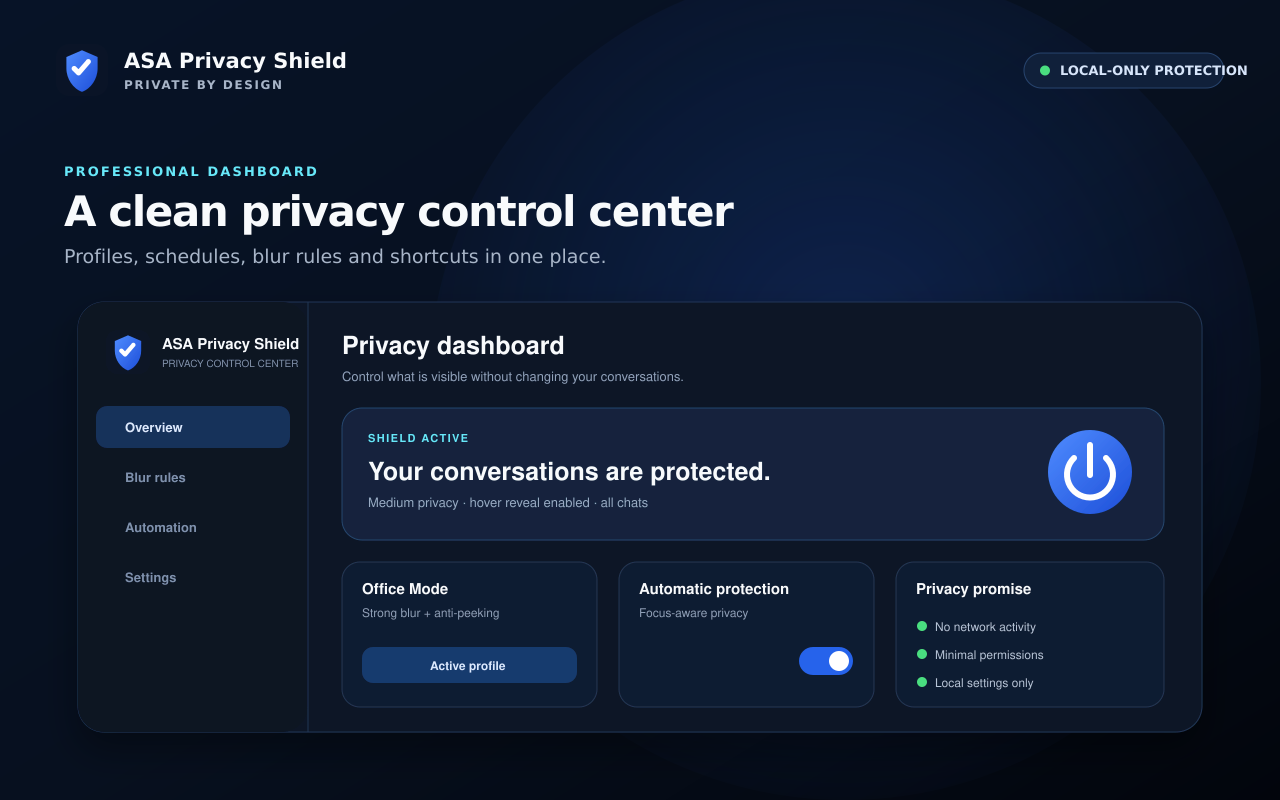
ASA changes how supported WhatsApp Web regions are displayed. It does not become another destination for your private information.
Host access is limited to WhatsApp Web, where the user-facing visual protection works.
Blur and visibility effects are applied locally. WhatsApp content is not sent to ASA Toolz.
Browser storage contains privacy settings such as levels, profiles, schedules and interface choices.